
Stop the Phone Shuffle: How to Sync SMS Across Multiple Android Devices Effortlessly
We’ve all been there. You’re sitting at your desk with your personal phone, and you suddenly realise your work phone—which contains a crucial thread with a client or a teammate—is sitting in your bag or, worse, in the other room.
For the modern professional, carrying two devices is often a necessity to maintain a work-life balance. But there is a glaring flaw in this setup: the fragmentation of communication.
While your emails, calendars, and cloud documents sync instantly across every device you own, your text messages remain trapped on the physical hardware of a single phone. If you need to reference a text from your work phone while using your personal one, you’re forced to do the “phone shuffle.”
If you’ve been searching for a way to sync text messages on Android across multiple devices, you aren’t alone. Here is why it’s so difficult and how you can finally solve it.
The SMS Problem: Why Doesn’t It Just Sync?
Unlike email (IMAP/Exchange) or messaging apps like Telegram and WhatsApp (which use their own cloud servers), traditional SMS is tied to a SIM card and a local device database.
Most “backup” solutions are designed for disaster recovery—meaning they help you get your messages back after you lose a phone. They aren’t designed for synchronisation. This means if you receive a text on Phone A, it doesn’t magically appear on Phone B. You are left managing two separate silos of information, increasing the risk of missing an important update or forgetting to reply to a critical message.
The Solution: Sync SMS Across Multiple Android Devices with SMS Drive
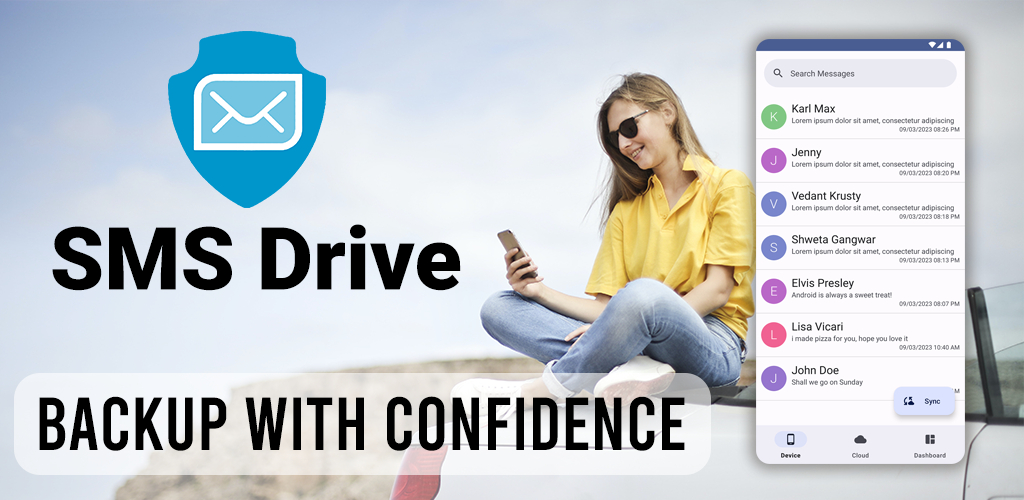
This is where SMS Drive changes the game. Instead of treating your messages as a one-time backup, SMS Drive allows you to treat your SMS history as a cloud-based asset.
SMS Drive is a dedicated companion app designed specifically to bridge the gap between your devices. It allows you to securely upload your messages to a dedicated cloud drive and retrieve them on any other Android device.
How It Works for Two-Phone Users
Whether you are juggling a work and personal phone, or a primary phone and a tablet, the process is seamless:
-
The Initial Setup: Install SMS Drive on both devices.
-
Unified Login: Sign in into your account using your Email id. Because your account is tied to your identity, not just a single piece of hardware, you can access your data from anywhere.
-
Cloud Sync: Perform a backup on your primary device. Your messages are encrypted and sent to your unlimited cloud storage.
-
Instant Access: Switch to your second device and hit “Restore.” Your messages are now mirrored across both devices.
Why Professionals Prefer SMS Drive
For those managing a high-pressure workload, “simple” is the most important feature. Here is why SMS Drive is the ideal tool for professionals:
-
No Need to Switch Your Default App: You don’t have to give up Google Messages or Samsung Messages. SMS Drive works in the background as a companion, meaning your user experience remains unchanged.
-
Auto-Backup for Peace of Mind: You can enable automatic backups, ensuring that the latest conversations from your work phone are always available on your personal device without manual effort.
-
Low Bandwidth Impact: Using advanced compression, the app syncs your data quickly without eating through your mobile data plan.
-
Export for Archiving: Need to save a client conversation for a legal record or project folder? You can export threads into PDF-friendly formats like HTML, Text, or JSON.
Final Thoughts: Streamline Your Communication
The “two-phone juggle” is a productivity killer. By finding a way to sync SMS across multiple Android devices, you eliminate the anxiety of the missing message and the clutter of switching hardware.
Stop letting your hardware dictate how you communicate. Secure your messages, sync your devices, and get back to focusing on what actually matters.
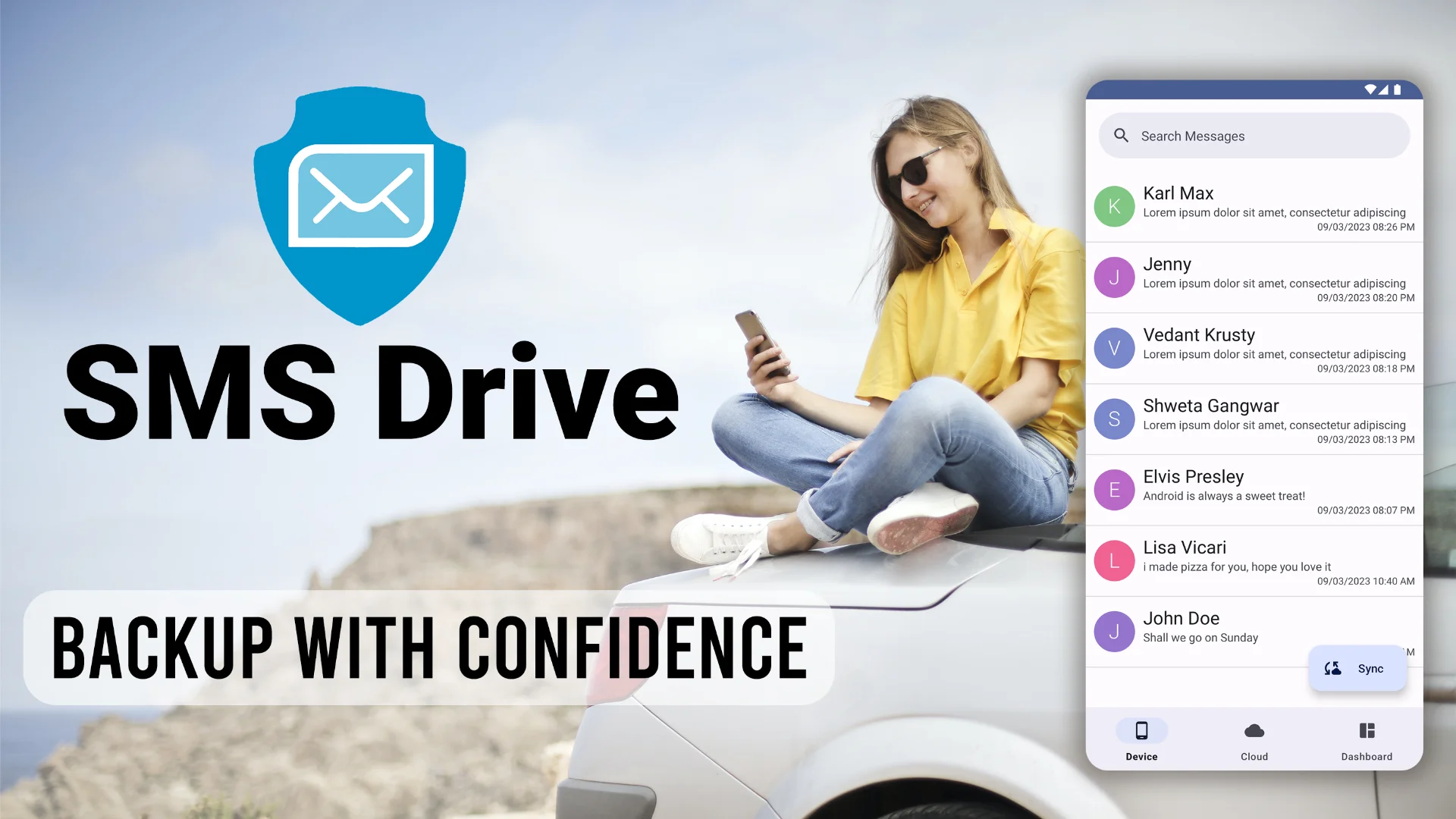
Ready to synchronise your digital life? Download SMS Drive - Backup & Restore on the Google Play Store today.
Get SMS Drive for Android:

👉 Download .APK File for Android
Official Website: 👉 https://deveshrx.com/apps/sms-drive
~ ~ THANK YOU FOR READING ~ ~