How to Manage Business SMS on Multiple Phones
Problem: You carry two phones — one for work, one for personal. A client texts your business number with an urgent change, but you’re holding your personal device. By the time you switch phones and reply, the opportunity has slipped.
Agitate: Every delayed response chips away at client trust. SMS has a 98% open rate — it’s your fastest communication channel. Yet most phones keep messages locked to a single SIM. If you leave your work device at the office, you’re completely cut off from active client conversations.
Solution: You don’t need to carry two phones forever. With the right setup, you can manage business text messages across every Android device you own — without changing your default messenger.
The Real Cost of Fragmented Business Text Messages
When your SMS lives on only one phone, you risk:
- Missed appointments — A client cancels last minute, but you’re on your personal device.
- Delayed lead responses — A hot lead replies to your promo while your work phone sits in another room.
- Lost conversation history — Switching phones means fragmented threads and no single source of truth.
- Zero disaster recovery — Lose or damage your work phone, and you lose every client conversation stored on it.
A business SMS backup strategy solves all of this. Instead of locking data to hardware, your messages follow you from device to device.
What Is Cross-Device SMS Sync?
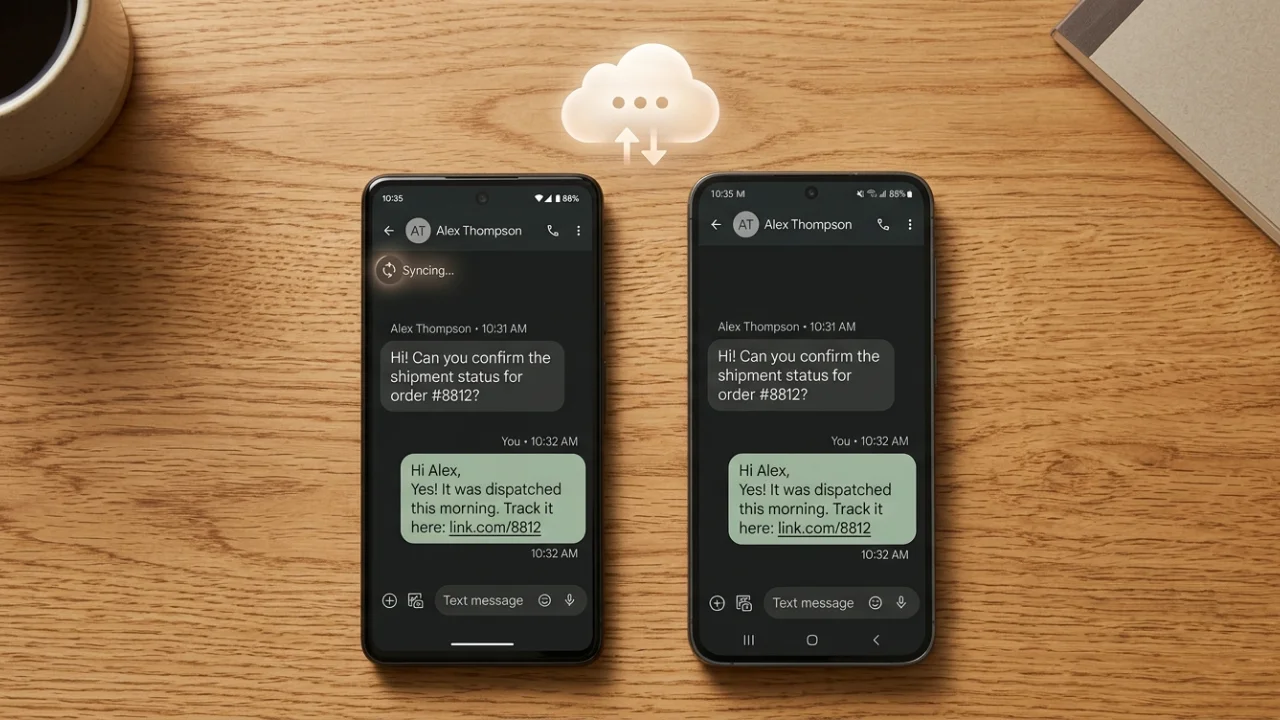
Cross-device SMS sync means your text messages are stored in the cloud and accessible from any phone you authorize. When a client sends an SMS to your business number, every connected device receives a copy of that conversation.
This isn’t call forwarding or SIM cloning. It’s a text message sync system designed specifically for professionals who need access to business SMS across multiple phones without carrying a second device at all times.
How to Sync Business SMS Across Multiple Android Phones
Getting started with Android SMS management across devices takes less than five minutes.
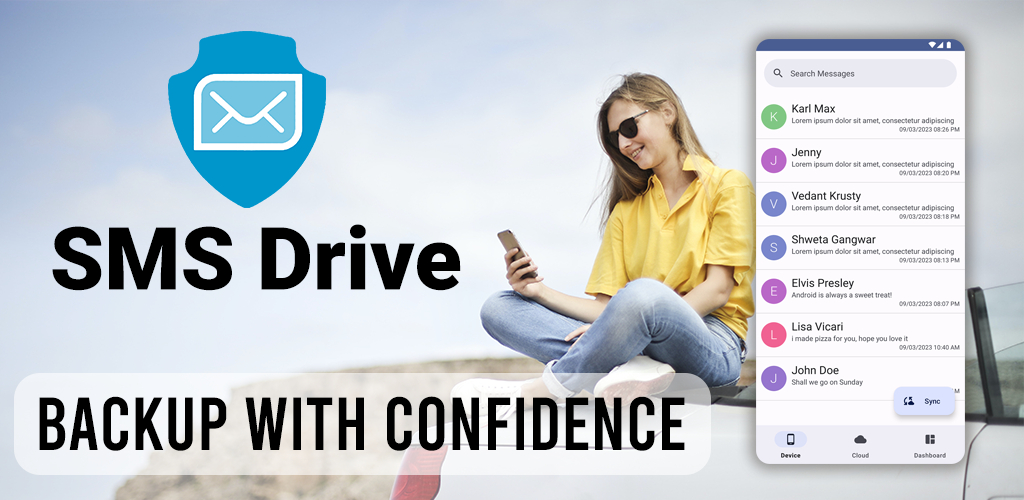
Step 1 — Install SMS Drive on Your Primary Phone
Download SMS Drive from the Google Play Store on your main business device. Open the app and log in using your phone number via OTP.
Step 2 — Run Your First Backup
Grant the app permission to read your messages. Tap Backup. SMS Drive uploads your entire SMS history to your dedicated cloud storage. Every client confirmation, vendor update, and lead conversation is now securely stored.
Step 3 — Restore on Your Secondary Device
Install SMS Drive on your second phone. Log in with the same account. Tap Restore. Within seconds, every business text from your primary device appears on your secondary device.
Step 4 — Enable Auto-Backup for Ongoing Sync
Open settings and turn on auto-backup. SMS Drive silently syncs new messages in the background. From this point forward, both phones stay updated without any manual effort.
Why SMS Drive Is Built for Business SMS Management
Most SMS backup tools treat personal and business use the same. SMS Drive is designed specifically for professionals who need to manage business text messages reliably across devices.
Unlimited Cloud Storage for SMS
Many backup services cap your storage or charge per gigabyte. SMS Drive offers unlimited cloud storage dedicated solely to your SMS data. Archive years of client conversations without worrying about limits.
Works With Your Default Messenger
SMS Drive runs as a silent companion app. You keep using Google Messages, Samsung Messages, or whatever app you prefer. There’s no learning curve and no migration.
Export Conversations for Legal or Accounting Records
Need to hand over a thread to your accountant or save a completed project? Export any conversation as Text, HTML, or JSON files. Open them on your PC or Mac — no app required.
Best Practices for Managing Business SMS at Scale
Follow these tips to get the most out of your multi-device SMS setup:
- Run a manual backup before switching phones — Ensures zero data loss during transitions.
- Use auto-backup on every connected device — Catches messages from both numbers if you use dual SIMs.
- Export quarterly archives — Keep permanent records of deals, receipts, and client agreements.
- Restrict restore access — Only log in on devices you personally control.
Frequently Asked Questions
Can I sync business SMS between Android and iPhone?
SMS Drive is an Android app available on Google Play. Cross-platform sync between Android and iOS is not currently supported. For Android-to-Android setups, it works seamlessly across any number of devices.
Is it safe to store business text messages in the cloud?
Yes. SMS Drive encrypts all data in transit using industry-standard security protocols. Your client SMS archiving is protected, and you retain full control over your account login.
Will SMS Drive replace my default texting app?
No. SMS Drive is a companion tool for SMS backup and restore. It runs alongside your existing messenger without interfering. You only temporarily set it as default during a restore, then switch back immediately.
Download SMS Drive today and take control of how you manage business text messages across every Android device you use.
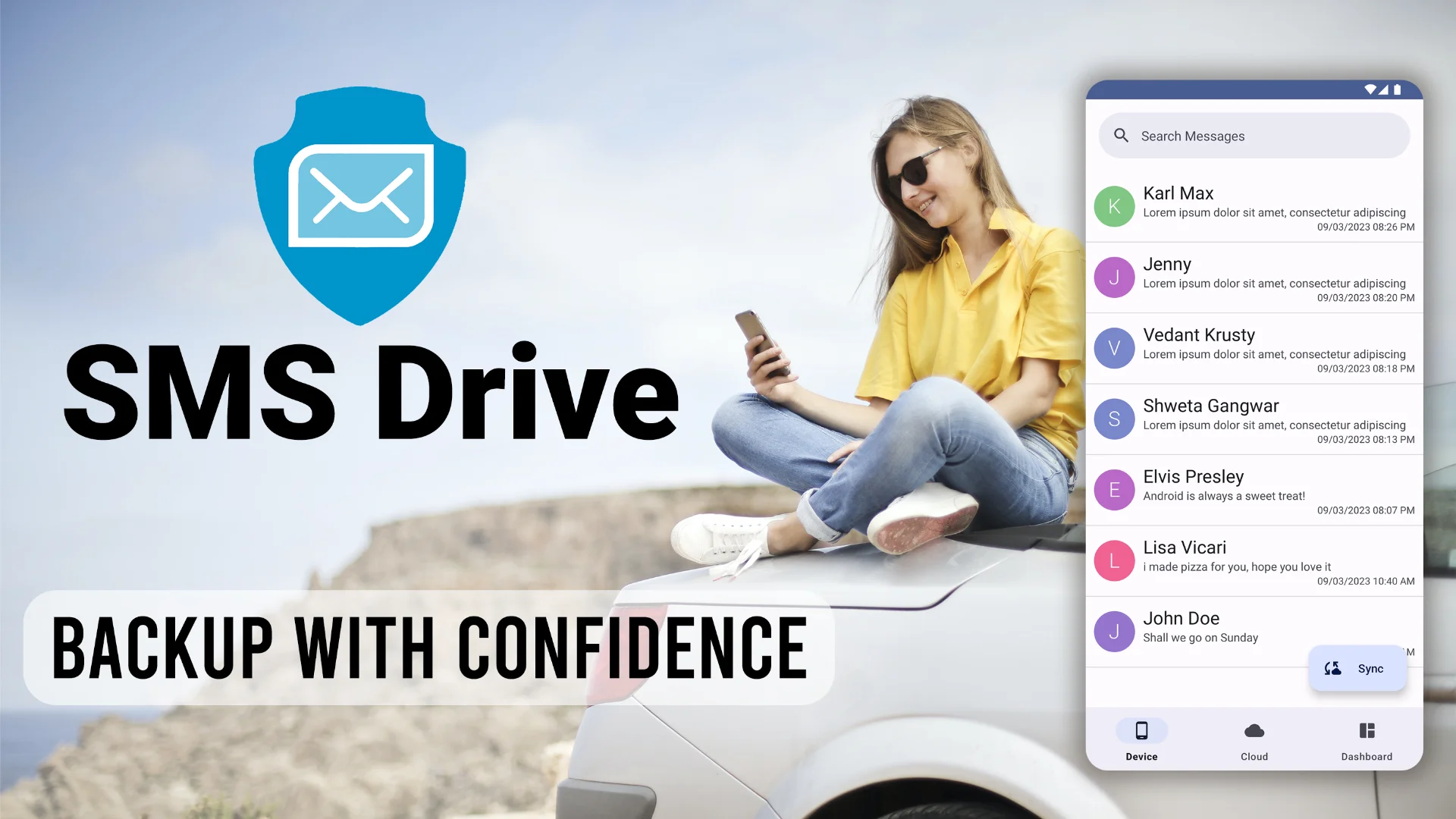
Get SMS Drive for Android:

👉 Download .APK File for Android
Official Website: 👉 https://deveshrx.com/apps/sms-drive
~ ~ THANK YOU FOR READING ~ ~