We have all experienced that split-second panic when a phone drops on concrete or slips into a pool. Your immediate thought usually goes straight to your data: Did I back everything up?
When it comes to photos, most of us use automatic cloud syncing. But text messages often fall through the cracks. If you rely on yourself to manually save your message history every week, you are playing a risky game with your digital memories.
In this guide, we will show you how to auto backup SMS on Android devices so your important conversations stay secure—without you ever having to lift a finger.
The Trap of Manual Backups: Why Human Memory Fails
Manual backups sound great in theory. You tell yourself you will back up your phone every Sunday evening. The reality? Life gets busy. You forget one week, then two weeks, and suddenly it has been six months since your last backup.
Relying on manual action leaves your data vulnerable to:
- Sudden Hardware Failure: Motherboards die and screens shatter without warning.
- Lost or Stolen Phones: If your phone disappears, any messages sent since your last manual backup disappear with it.
- Accidental Deletions: It only takes one wrong tap to erase a crucial message thread containing an address, password, or sentimental message from a loved one.
Humans forget. Phones break. You need a system that does the heavy lifting for you.
Why an Automatic Text Message Backup Saves the Day
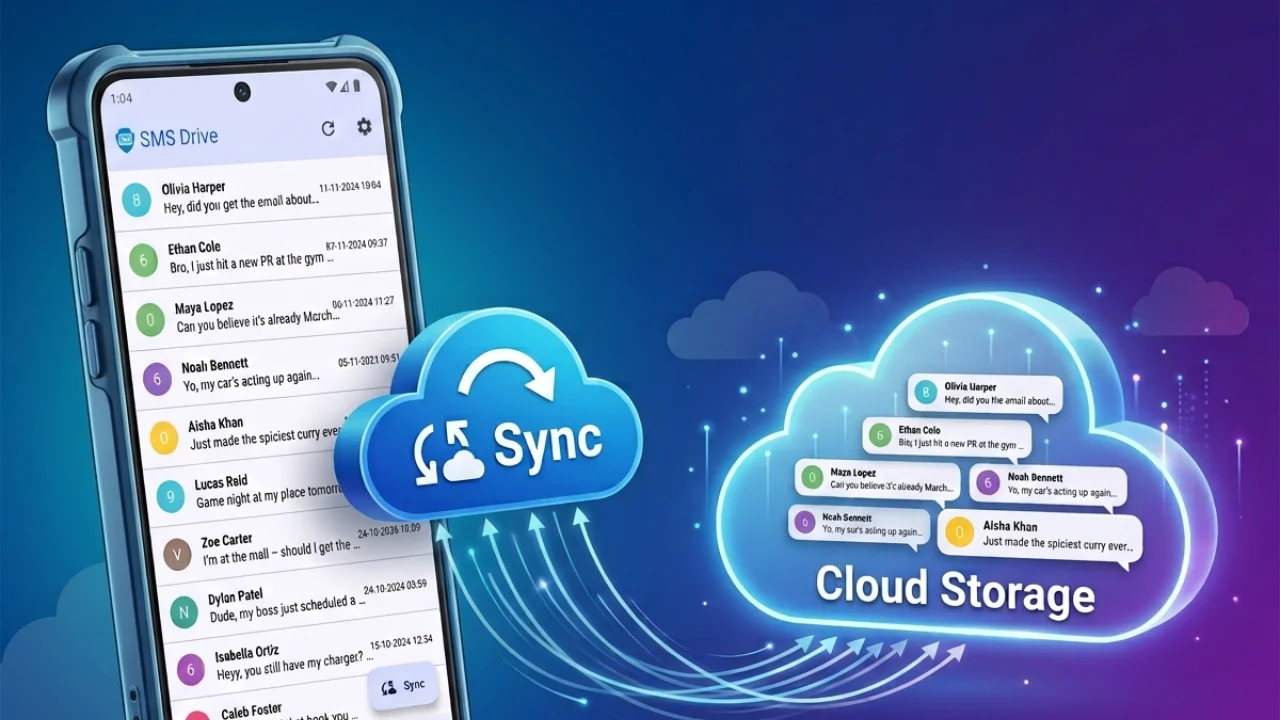
The smartest way to protect your data is to remove human error entirely. Setting up an automatic text message backup ensures your phone secures your data quietly in the background while you go about your day.
- Zero Daily Effort: Once activated, the system runs on its own schedule.
- Continuous Protection: Recent texts are uploaded regularly, closing the gap between backups.
- Peace of Mind: You can switch phones, perform factory resets, or replace a broken device knowing your text message history is securely waiting for you in the cloud.
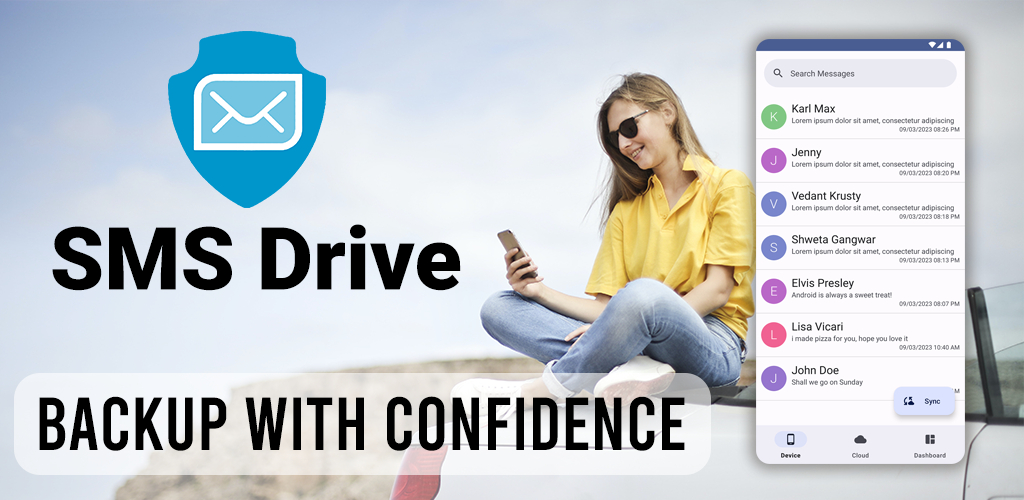
Secure Your Data with SMS Drive Auto-Backup
If you want a truly hands-off experience, SMS Drive offers a seamless way to protect your texts. Think of the SMS Drive Premium Auto-Backup feature as a cheap insurance policy for your digital memories.
Instead of replacing your favorite texting app, SMS Drive works alongside it as a dedicated backup companion.
Here is why SMS Drive is the perfect tool for the job:
- Unlimited Cloud Storage: You never have to worry about hitting a storage cap. Your backup drive is strictly dedicated to your SMS data.
- Battery and Data Friendly: The app uses advanced data compression algorithms. It uploads your messages quickly without eating through your mobile data or draining your battery.
- Set It and Forget It: Simply toggle on the Auto-Backup feature in the settings. SMS Drive will silently and securely sync your latest messages to the cloud.
Frequently Asked Questions (FAQs)
- Q: Do I have to leave the app open for auto-backup to work?
- A: No. Once you enable the auto-backup feature, SMS Drive runs securely in the background. You can close the app and use your phone normally.
- Q: Will this drain my mobile data?
- A: Not at all. SMS Drive uses advanced data compression to ensure uploads are extremely small, saving both your bandwidth and mobile data limits.
- Q: Do I need to change my default messaging app?
- A: No! SMS Drive operates entirely as a companion app. You can keep using Google Messages, Samsung Messages, or any other default app you prefer.
Secure Your Text Messages Today
Your text messages hold critical information and irreplaceable memories. Do not wait until your phone breaks or gets lost to realize you forgot to hit the backup button. By automating the process, you guarantee that your data is always safe, accessible, and ready to restore on a new device.
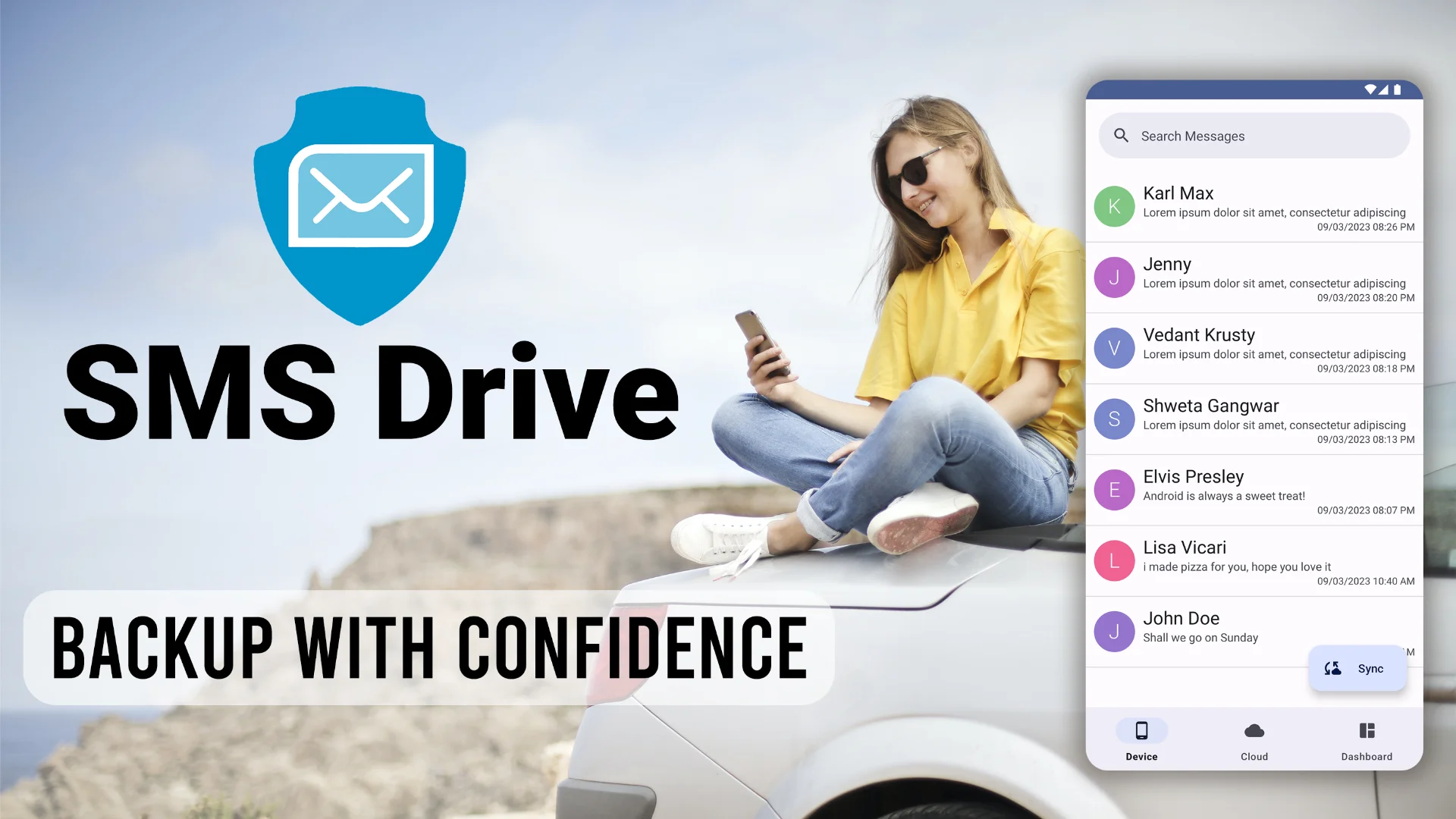
Ready to bulletproof your text messages? Download SMS Drive - Backup & Restore on the Google Play Store today. Sign in securely with your account, turn on the Auto-Backup feature, and never worry about losing a text message again!
Get SMS Drive for Android:

👉 Download .APK File for Android
Official Website: 👉 https://deveshrx.com/apps/sms-drive
~ ~ THANK YOU FOR READING ~ ~