How to Factory Reset Android Without Losing Data (and Save Your SMS)
Is your smartphone freezing constantly, dropping apps, or draining its battery by midday? Or perhaps you are upgrading to a new model and need to wipe your current device entirely clean.
Hitting that reset button is terrifying. One wrong move, and you could permanently wipe out years of crucial text messages, sentimental photos, and important contacts.
But it doesn’t have to be a nightmare. You can perform a factory reset Android without losing data . In this guide, we will show you exactly how to safely wipe your phone and secure your most important conversations using the SMS Drive app.
Why You Might Need to Factory Reset Your Android Phone
A factory reset returns your phone’s software to its original, out-of-the-box state. While you shouldn’t do this every week, there are two primary reasons you might need a clean slate.
Fixing Persistent Software Glitches
Sometimes, an operating system update goes wrong. This can leave behind corrupted cache files or conflicting software instructions that ruin your phone’s performance.
If your device is overheating, freezing on the home screen, or experiencing random crashes, you are likely dealing with deep software glitches. A factory reset wipes away all those hidden errors. It gives your operating system the fresh start it needs to run smoothly again.
Protecting Privacy Before Selling or Trading In
Are you handing your phone over to a buyer or looking to maximize your device’s trade-in value? This is the most critical time for a factory wipe.
When you hand off your device, you are handing over your digital life. A hard reset ensures your private emails, banking apps, and personal login credentials are removed. Never give away a phone without tapping erase everything first.
The Golden Rule: Backup Text Messages Android First
Before you proceed to your phone settings to initiate a wipe, there is one crucial step you cannot skip. You must secure your text messages.
SMS threads often contain vital addresses, verification codes, and irreplaceable memories with loved ones. Unfortunately, text messages are completely wiped out during a reset unless you take action.
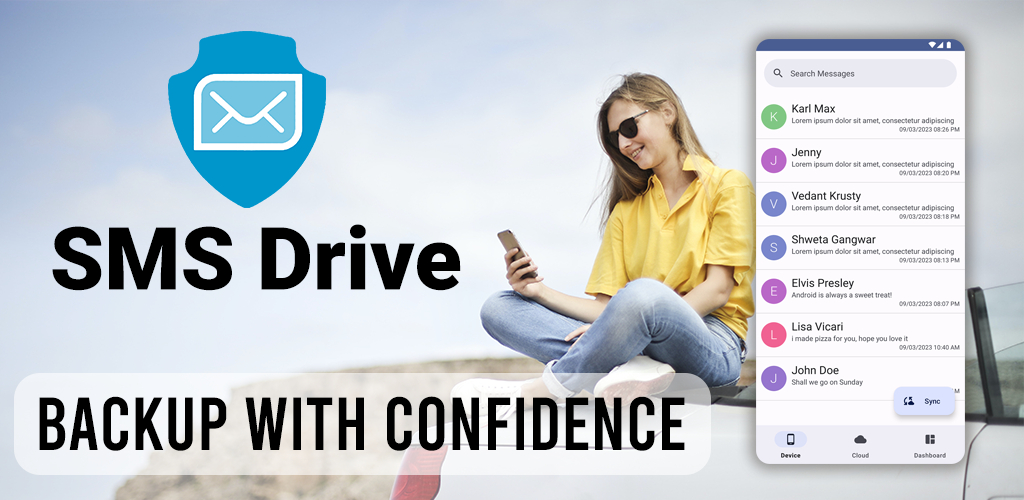
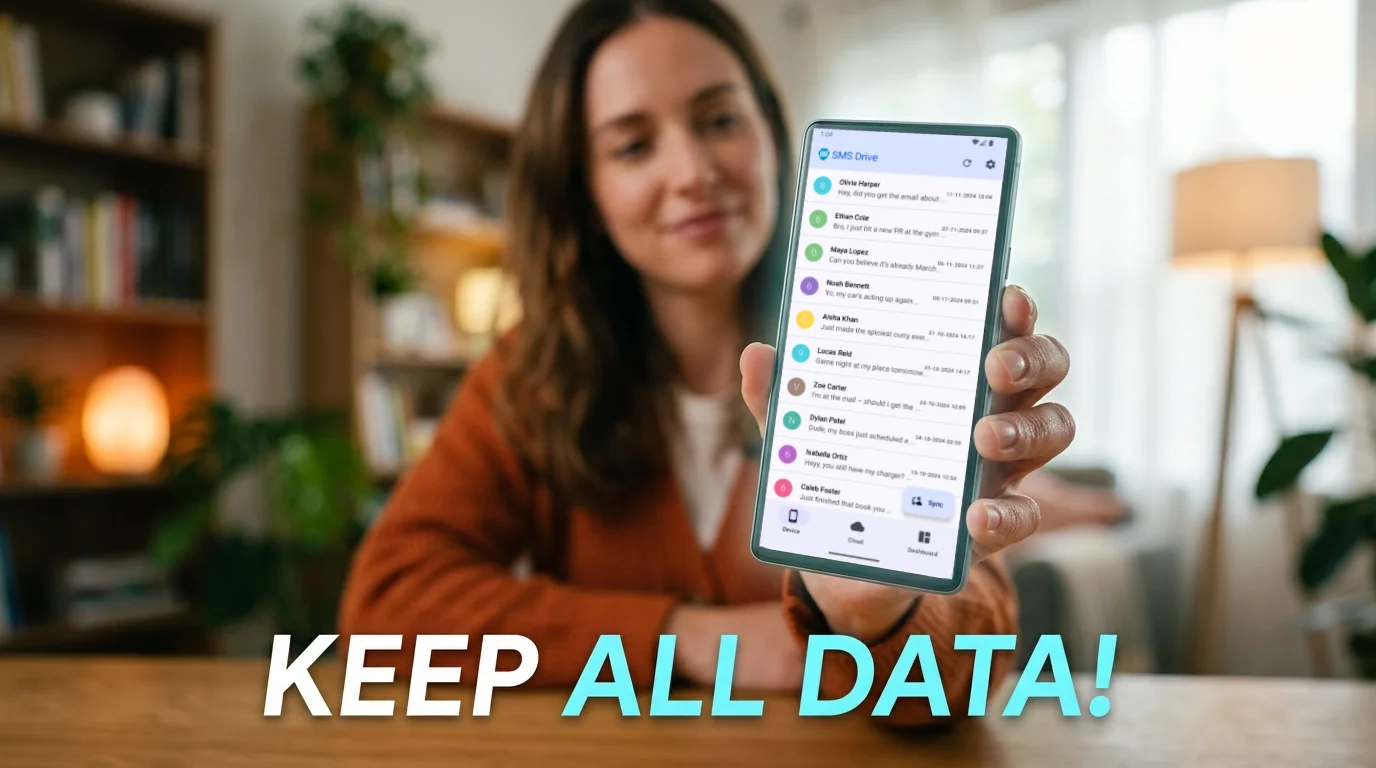
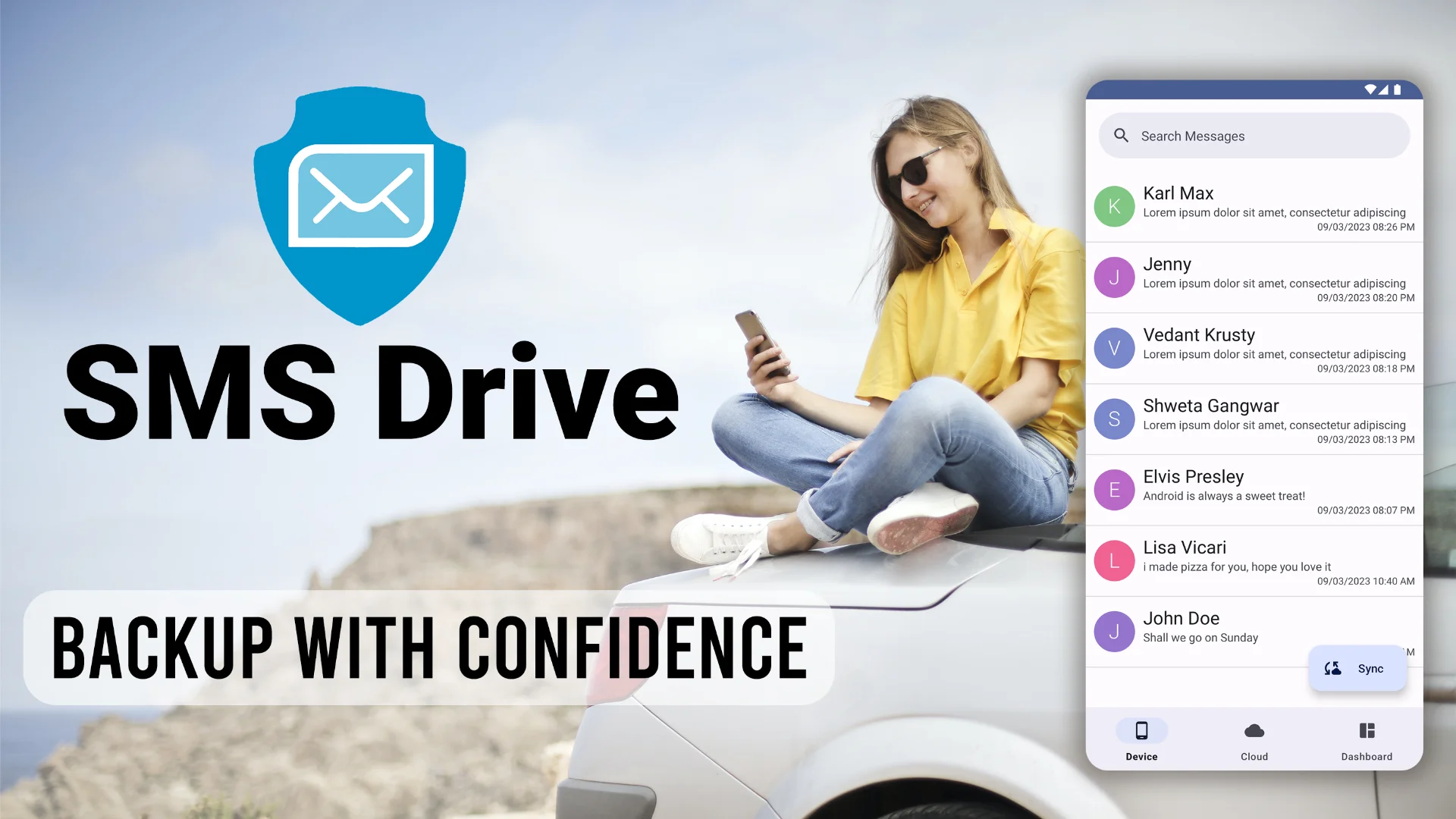
To ensure your conversations survive, you need a dedicated cloud backup solution . This is exactly why we built SMS Drive .
How to Save SMS Before Factory Reset Using SMS Drive
If you want to know how to save SMS before factory reset , SMS Drive is the most reliable tool available. It allows you to automatically back up your texts and pull them onto a fresh device in seconds.
Here is your step-by-step guide to securing your data:
Step 1: Create Your Android Factory Reset Backup
Before wiping your phone, you need to sync your current messages to the cloud.
- Download the App: Head over to the Google Play Store and download SMS Drive .
- Grant Permissions: Open the app and allow it to access your messages so it can read and save your texts.
- Create an Account: First-time users will need to set up a secure account. Existing users can simply log in.
- Sync Text Messages: Tap the Backup/Sync button. SMS Drive will immediately begin uploading your entire message history securely to the cloud.
- Verify: Wait for the confirmation screen. Once verified, your texts are completely safe and independent of your physical phone.
Step 2: Wipe Your Phone Clean
Now that your texts are backed up, you can safely proceed with the reset.
Navigate to your device’s settings, locate the system reset options, and follow the prompts to perform the factory wipe. Your phone will reboot, feeling exactly like it did the day you bought it.
Step 3: Restore SMS After Factory Reset
Getting your old messages back onto your refreshed phone takes just a few taps.
- Reinstall SMS Drive: After your phone powers back on, go to the Play Store and download the app again.
- Log In: Sign into the exact account you created earlier.
- Restore: Tap the Restore button. Within seconds, you will successfully restore SMS after factory reset , populating your fresh device with all your saved conversations.
A factory reset is the ultimate deep clean for your smartphone. By using SMS Drive , you completely remove the fear of losing your data. Enjoy a fast, bug-free device while keeping the conversations that matter most safe and sound.
Frequently Asked Questions (FAQ)
Will a factory reset delete my text messages? Yes. A factory reset erases all local data on your device, including text messages, photos, and apps. To prevent this, you must use an app like SMS Drive to back up your SMS to the cloud before resetting.
Does a factory reset remove viruses from an Android phone? In almost all cases, yes. A factory reset wipes the entire storage drive of your phone, which removes malware, spyware, and viruses hidden in downloaded files or malicious apps.
What should I do right before I factory reset my phone? Before you reset your device, you should back up your text messages, save your photos to a cloud service (like Google Photos), write down any important passwords, and manually log out of all your Google and social media accounts.
 Get SMS Drive for Android:

👉 Download .APK File for Android
Official Website: 👉 https://deveshrx.com/apps/sms-drive
~ ~ THANK YOU FOR READING ~ ~