Building an indie game from scratch often feels like an impossible mountain to climb. You have to juggle coding, animation, audio, and marketing all by yourself, which easily leads to burnout and abandoned projects.
However, making an Android game solo is entirely possible when you stick to a focused scope and the right toolset. A few months ago, I successfully navigated this exact process and launched my new survival game, Bad Doctor , on the Google Play Store.
The community response following the mobile game launch has been fantastic. To help aspiring creators and curious players, I am answering your most common questions about my development process, creative inspirations, and the reality of being a solo game developer.
The Tech Stack for Solo Game Developers
Choosing the right software is the most critical decision you will make. For Bad Doctor , I needed tools that were powerful but accessible for a one-person team.
Here is the exact setup I used to bring the game to life:
-
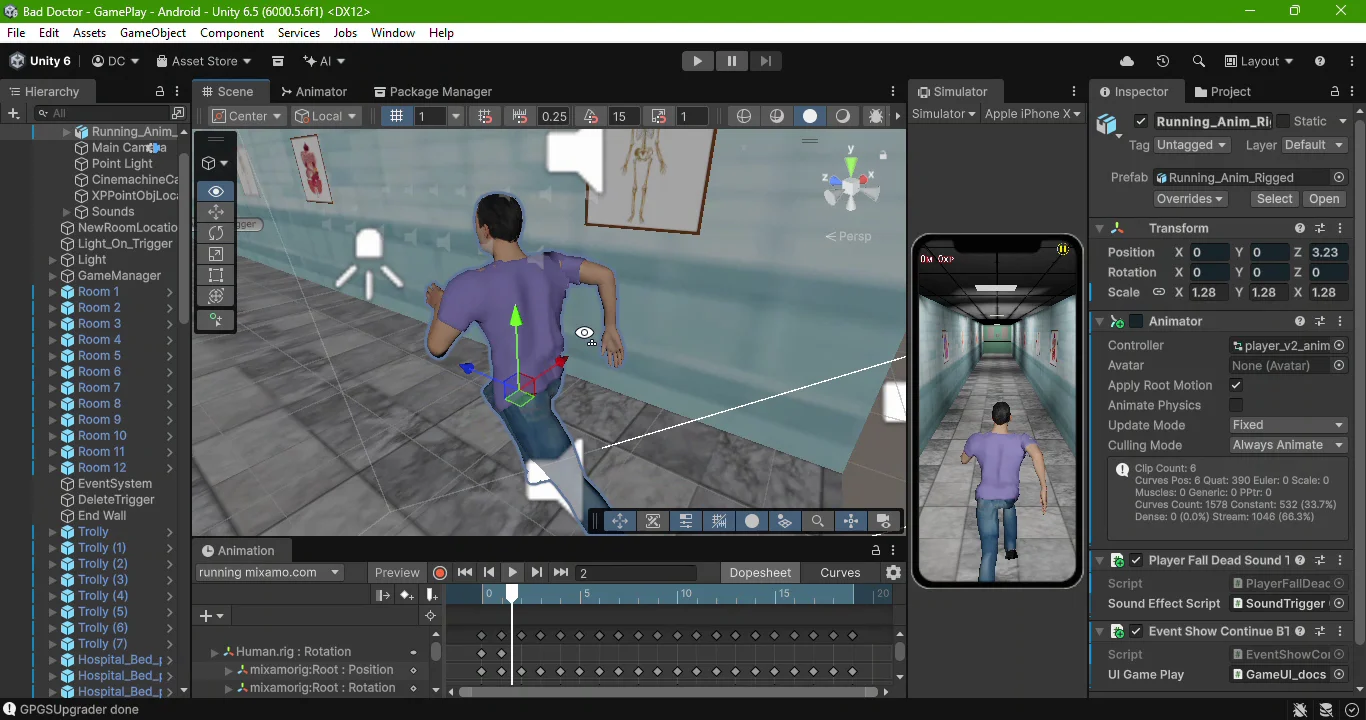
Game Engine: I chose Unity 3D to handle the core gameplay mechanics, physics, and environment building. A Unity 3D Android game is highly optimized and easy to port later.
-
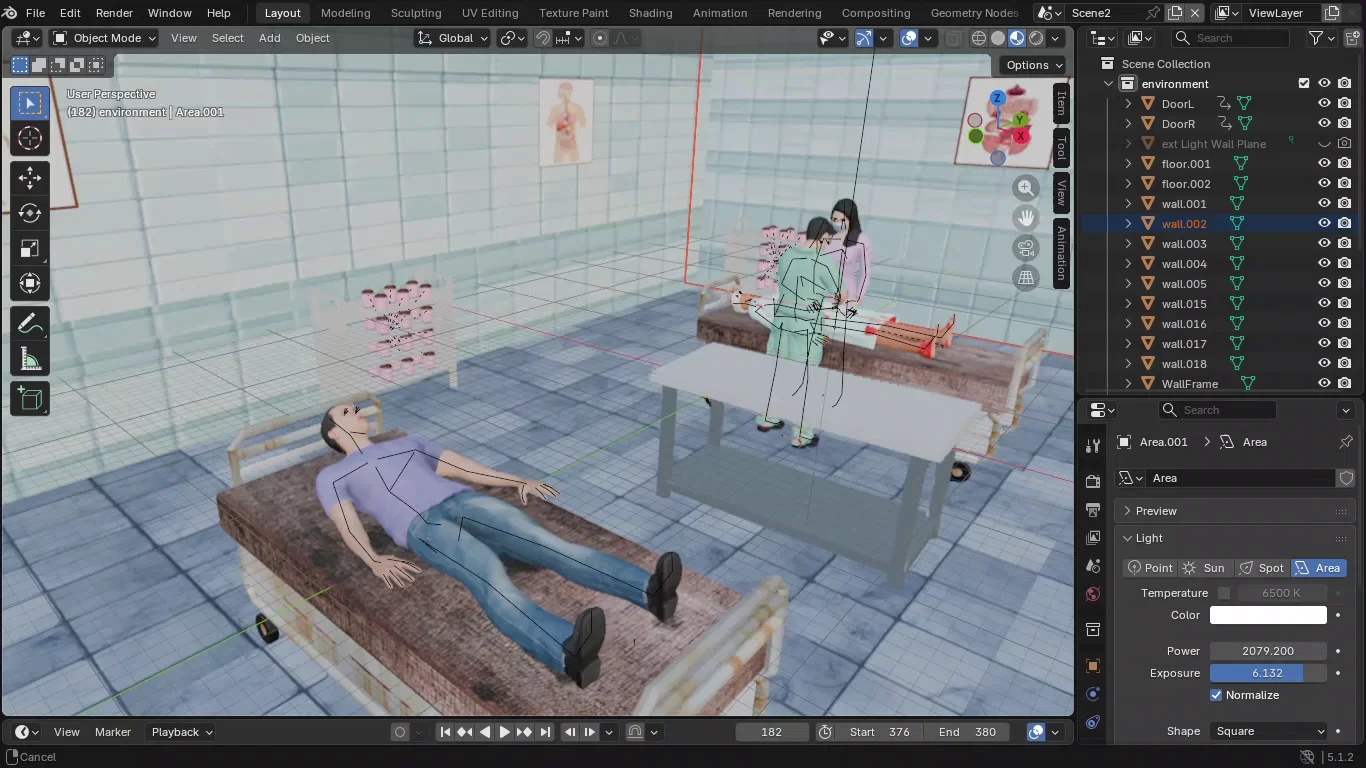
3D Modeling: All character modeling, texturing, and asset design were done in Blender 3D.
-
Character Generation: To save hundreds of hours, I used the MakeHuman Community plugin inside Blender to generate base realistic human models quickly.
Leveraging Unity 3D and Blender
Using Unity and Blender together creates a seamless workflow. You can easily export your Blender 3D game assets directly into Unity without losing texture data or rigging structures. This integration was essential for keeping my development timeline on track.
Designing a Horror Endless Runner Game
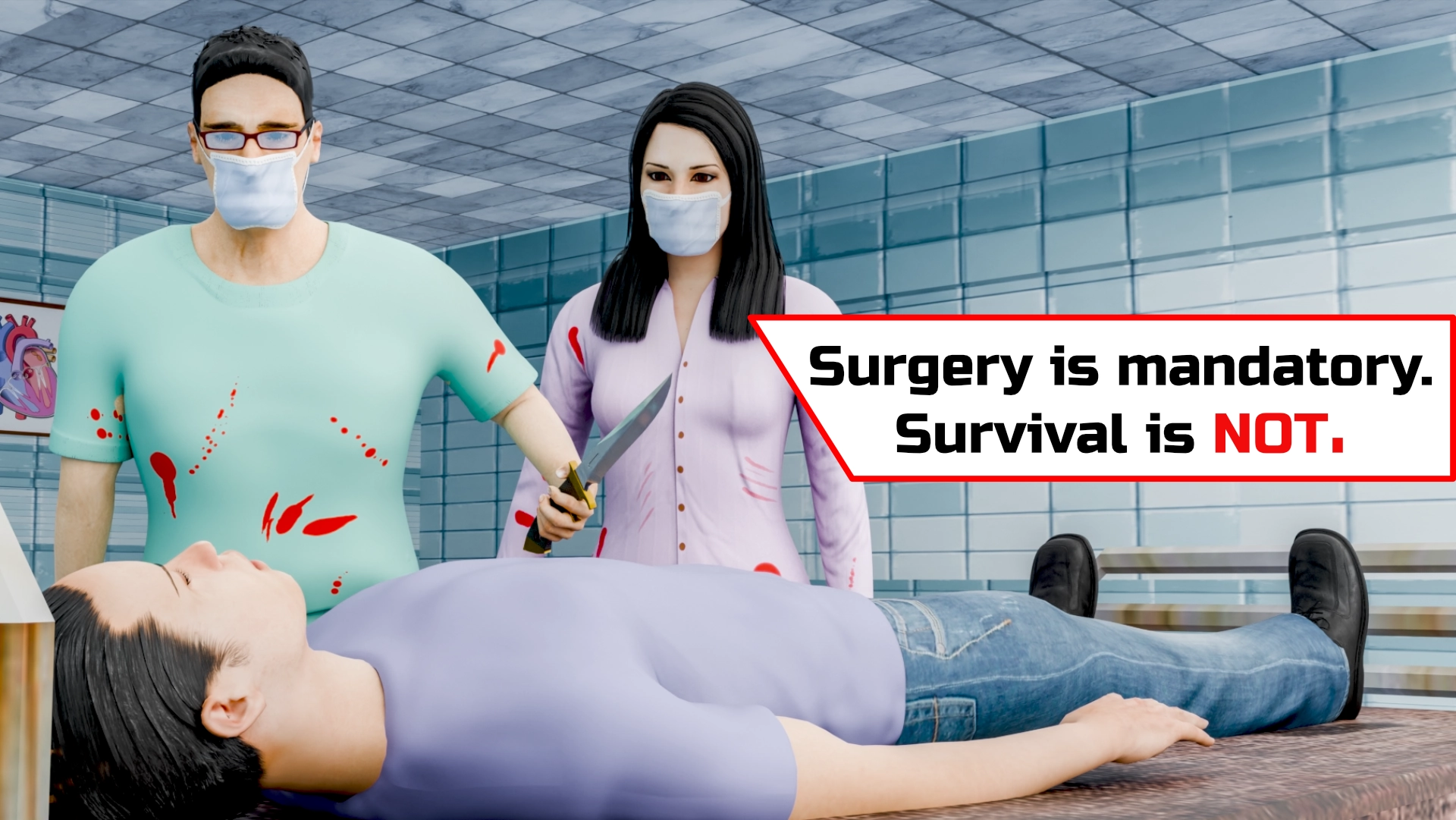
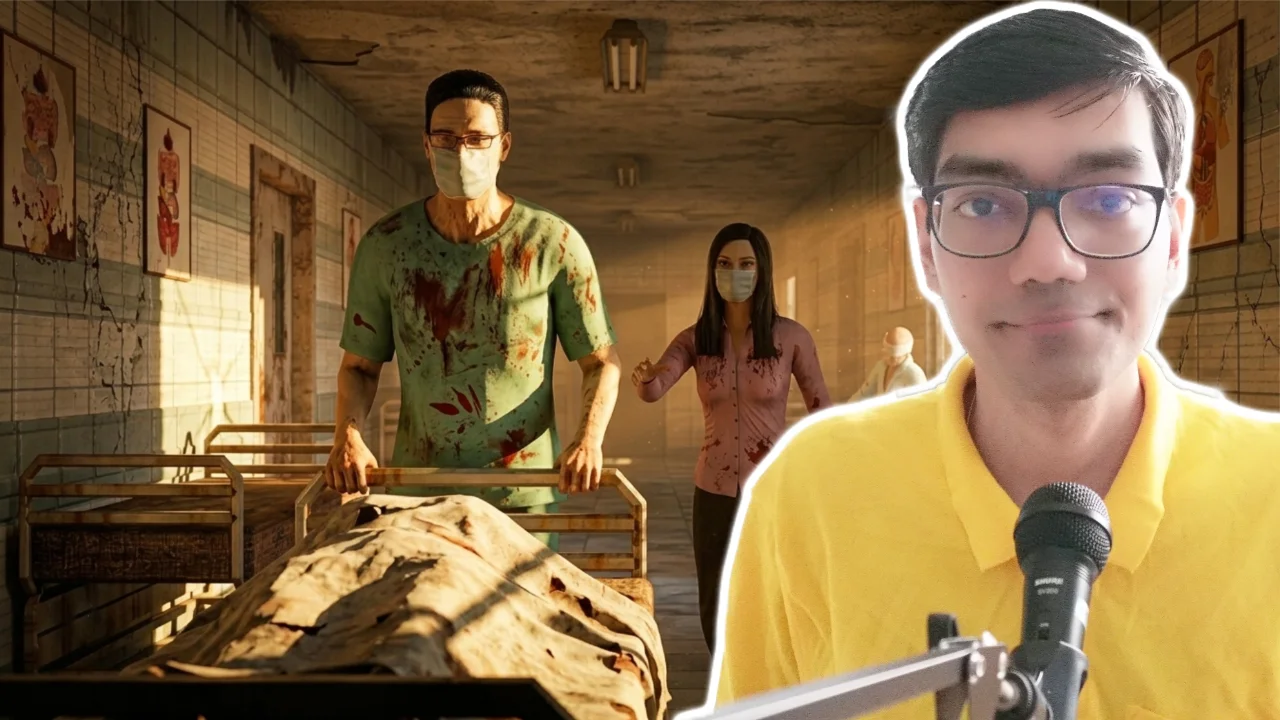
The core premise of Bad Doctor is simple but terrifying. You play as a desperate patient trapped inside a dark hospital, constantly running to escape a sinister doctor.
As a massive fan of classic survival horror franchises like Resident Evil and The Evil Within, I wanted to capture that creepy hospital atmosphere. However, instead of a complex RPG, I designed it as a horror endless runner .
Endless runners offer a brilliant casual gaming experience. Players can focus entirely on quick reflexes, dodging obstacles, and surviving without the heavy cognitive load of complex puzzles.
Currently, the game is exclusive to Android devices via the Google Play Store. If the community continues to grow, I plan to release it on PC (Windows, Linux, and macOS).
Indie Game Dev Behind the Scenes: Crafting the Trailer
Bad Doctor’s 3D promotional trailer generated a lot of curiosity online, especially regarding how it was produced.
Here is a quick indie game dev behind the scenes look at the trailer creation:
-
Handcrafted Visuals: 99% of the trailer was manually animated and rendered in Blender. Game trailer rendering is incredibly intensive; each frame took 1 to 2 hours on my GPU. Overall, rendering the full video took nearly two months.
-
AI-Assisted Voice Acting: Hiring professional voice actors was outside my budget as a self-funded dev. I utilized AI voice generation for the dialogue. AI is a fantastic supplementary tool, though it is meant to support—not replace—genuine human creativity.
Why Bad Doctor is a Paid Mobile Game
The mobile market is flooded with freemium titles, aggressive micro transactions, and unskippable ads. I decided to take a different route.
Bad Doctor is one of the few strictly paid mobile games on the market. The philosophy driving this decision is simple: true ownership .
When you purchase the game, you own it forever. You get to enjoy a continuous, immersive horror experience without paywalls or annoying banner ads disrupting your gameplay. This transparent model directly respects the player while supporting independent developers.
Frequently Asked Questions (FAQs)
Q: What is the best engine for making an Android game solo?
Unity 3D and Unreal Engine are the top choices. Unity is generally preferred for solo Android development due to its massive asset store, extensive mobile optimization features, and large community of tutorials.
Q: Can I make a 3D mobile game by myself? Yes. By keeping the game’s scope small (like an endless runner) and utilising free tools like Blender for 3D modelling and Unity for development, a single person can successfully launch a 3D mobile game.
Q: Will Bad Doctor ever be free to play? No. Bad Doctor uses a premium, one-time purchase model. This ensures players get a complete, ad-free experience without predatory micro transactions or hidden fees.
Final Thoughts & Next Steps
Building a game from the ground up requires patience, late nights, and a lot of trial and error. But seeing players actually enjoy a world you created from scratch makes every hour of rendering and debugging worth it.
Want to test your reflexes and support a solo developer like me ? Download Bad Doctor on the Google Play Store today.
Download
Bad Doctor Game is available on Google Play
Download from my Gumroad Store
~ ~ THANK YOU FOR READING ~ ~